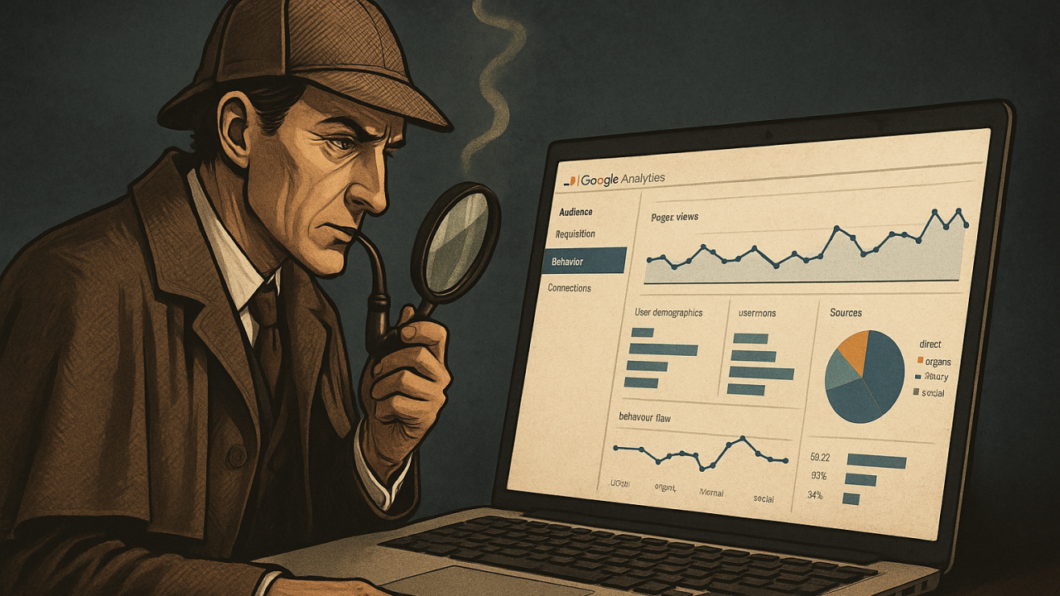
Think of Google Analytics as your website’s detective.
Just like a detective gathers clues to solve a case, Google Analytics collects data to solve the mystery of “what’s happening on my website?”
What Google Analytics Does
It tracks every visitor who comes to your website and tells you:
• How many people visited

• Where they came from (Google, social media, direct visits)

• What pages they looked at

• How long they stayed
• What devices they used (phone, laptop, tablet)

Why It’s Incredibly Useful
For E-commerce: Imagine you run an online store. GA shows you that 80% of visitors leave at the checkout page. Now you know exactly where to fix the problem.
For Content Creators: You discover that your blog post about “productivity tips” gets 10x more traffic than other posts. Time to create more productivity content!
For Service Businesses: You see that most visitors come from LinkedIn but customers actually convert better from Google searches. This changes your marketing strategy completely.
Key Learnings
✓ Data beats guesswork every time
✓ Small improvements based on real data = big results
✓ Understanding your audience helps you serve them better
Real Example
A local restaurant used GA to discover that 70% of their website visitors were checking the menu on mobile phones during lunch hours. They optimized their mobile menu design and saw online orders increase by 40%.
The best part? Google Analytics is completely free.
Here are some more questions that an Analysis of Google data can help you answer and improve your marketing and revenue
-Do people from Mumbai with iPhone buy more than people from Delhi with Android ( maybe I need to increase ad spend in Mumbai and target users with iPhones )
-Do people coming from Google ads more engaged ( stay longer on website ) vs the ones coming from Facebook ads ( probably I need to decrease spend on FB ads and increase on Facebook Ads )
Audience Understanding
- Who are my visitors? (demographics, interests, location, device types)
- Are my visitors new or returning customers?
- What technology are they using to access my site? ( browser / phone or table model )
Traffic Sources and Marketing Performance
- Where is my traffic coming from? (organic search, social media, direct visits, referrals)
- Which marketing campaigns are driving the most visitors and conversions?
- What keywords are people using in Google to find my website ?
- How effective are my social media efforts? Are my posts on Linkedin / Facebook getting users to my website and how long do they stay there ?
Content Performance
- Which pages are most popular on my website?
- Where do users typically enter and exit my site?
- How long do people spend on different pages?
- What content keeps users engaged the longest?
User Behavior and Experience
- How do users navigate through my website?
- Where do people drop off in my conversion funnel?
- What’s my website’s bounce rate?
- How fast do my pages load, and does it affect user behavior?
Business Goals and Conversions
- How many people are completing desired actions (purchases, sign-ups, downloads)?
- What’s my conversion rate?
- Which traffic sources generate the most valuable customers?
- What’s the revenue impact of different marketing channels?
Technical Performance
- Are there technical issues affecting user experience which is leading to user experience frustration and low sales / enquiries from my website ?
- How does site speed impact user engagement and user experience ?
- Which browsers or devices have performance problems?
Imagine your website to be a physical store – now imagine that you have all the data to answer the above question for visitors to your store -Do you think this will give you enough feedback to improve your marketing ?
If you’re not using Google Analytics yet, you’re flying blind. Start today and let the data guide your decisions.