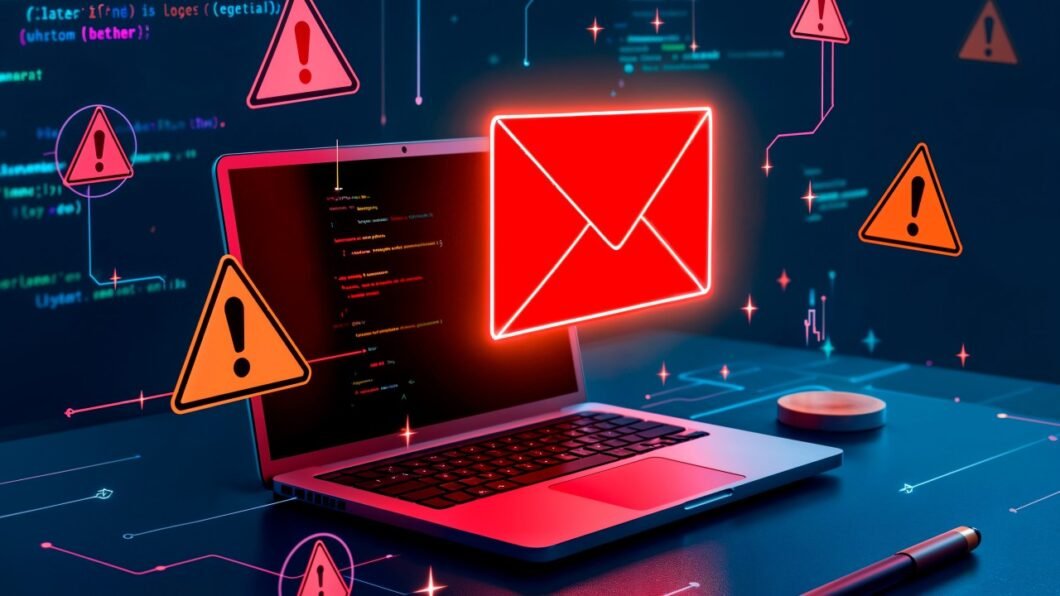
Ever sent an important email only to hear crickets? Your message probably ended up in spam jail. Think of spam filters as bouncers at an exclusive club – they’re checking IDs, looking for red flags, and turning away anyone who seems sketchy.
Let me break down why this happens and how to fix it.
The Top Reasons You’re Getting Blocked
1. You’re a Stranger Knocking on the Door When you email someone for the first time from a new domain, you’re essentially a stranger. Just like you wouldn’t trust someone who randomly shows up at your house, email providers don’t trust unknown senders.
2. Your Subject Line Screams “SALESMAN!” Writing “URGENT!!! 50% OFF TODAY ONLY!!!” is like wearing a neon sign that says “I’m probably spam.” Those ALL CAPS and excessive punctuation marks are red flags for many email clients, who think your mail is spam.
3. You’re Sending from a Sketchy Neighborhood Using free email services (gmail.com, yahoo.com) for business emails is like running a company from your mom’s basement. It works, but it doesn’t inspire confidence.
4. Your Email List is Full of Ghosts Sending to old, inactive addresses is like throwing a party where half the guests are mannequins. Email providers notice when nobody’s engaging with your emals, ie they are not opening or clicking on the links in your email or not replying to them .
5. You Forgot to Ask Permission Emailing people who didn’t opt-in is like crashing a private party. You weren’t invited, and the host (spam filter) will escort you out.
Your Action Plan to Stay Out of Spam
Build Your Reputation Like a Credit Score: • Start slow – send to your most engaged contacts first, ie people who know you, and are likely to read/click/reply to your emails • Gradually increase volume over 2-3 weeks • Monitor your open rates (aim for 20%+)
Write Like a Human, Not a Robot: • Use normal capitalization and punctuation • Avoid spam trigger words: “free,” “guarantee,” “act now” • Keep image-to-text ratio balanced (don’t send image-only emails)
Set Up Your Technical Foundation (This is Your Email ID Card):
Think of these as your email identity verification – like showing your driver’s license to prove you’re really you. For this you need to have the IT guy in your team do a few technical configurations .These are setting up the following records :
• SPF Record = Your guest list. It tells email providers “these servers are allowed to send emails for my company.” It’s like giving the post office a list of people authorized to send mail on your behalf.
• DKIM = Your signature stamp. It adds a digital signature to your emails proving they really came from you and email addressed weren’t tampered with by hackers . Like a wax seal on an old letter.
• DMARC = Your security policy. It tells receiving servers what to do if someone tries to impersonate you. It’s like instructing your bank: “If someone claims to be me but can’t prove it, reject them.”
How to set these up? Your email service provider (like Mailchimp, SendGrid) have guides, or ask your IT person to handle it. It’s usually a one-time, 30-minute setup that saves you years of headaches.
• Use a professional domain (@yourcompany.com) instead of free email • Consider email warming services for new domains (these gradually build your reputation by slowly increasing sending volume)
Clean Your List Regularly:• Remove addresses that haven’t opened in 6 months • Run addresses through verification tools before sending, so you do not send emails to people who may have changed jobs ( and their emails are not bouncing )
Follow the Golden Rules: • Always include an unsubscribe link • Send relevant content your audience actually wants • Maintain consistent sending patterns (don’t go silent for months then blast 10,000 emails)
The Bottom Line
Getting past spam filters isn’t about tricks or hacks. It’s about respect – respecting the inbox, respecting the recipient, and respecting the rules of email etiquette.
Think of it this way: spam filters are like immune systems. They’re designed to protect users from unwanted intrusions. The solution isn’t to fight the system but to prove you’re one of the good guys
Start with these basics, monitor your metrics, and adjust as needed. Your emails will thank you by actually reaching their destination.
What’s your biggest email deliverability challenge? Drop a comment below – let’s troubleshoot